When you log food in Vantage Fit, you'll see a daily calorie target and a macro breakdown guiding your nutrition. These numbers are personalized for you -- here's what they mean and how to make the most of them.
What Is a Calorie Target?
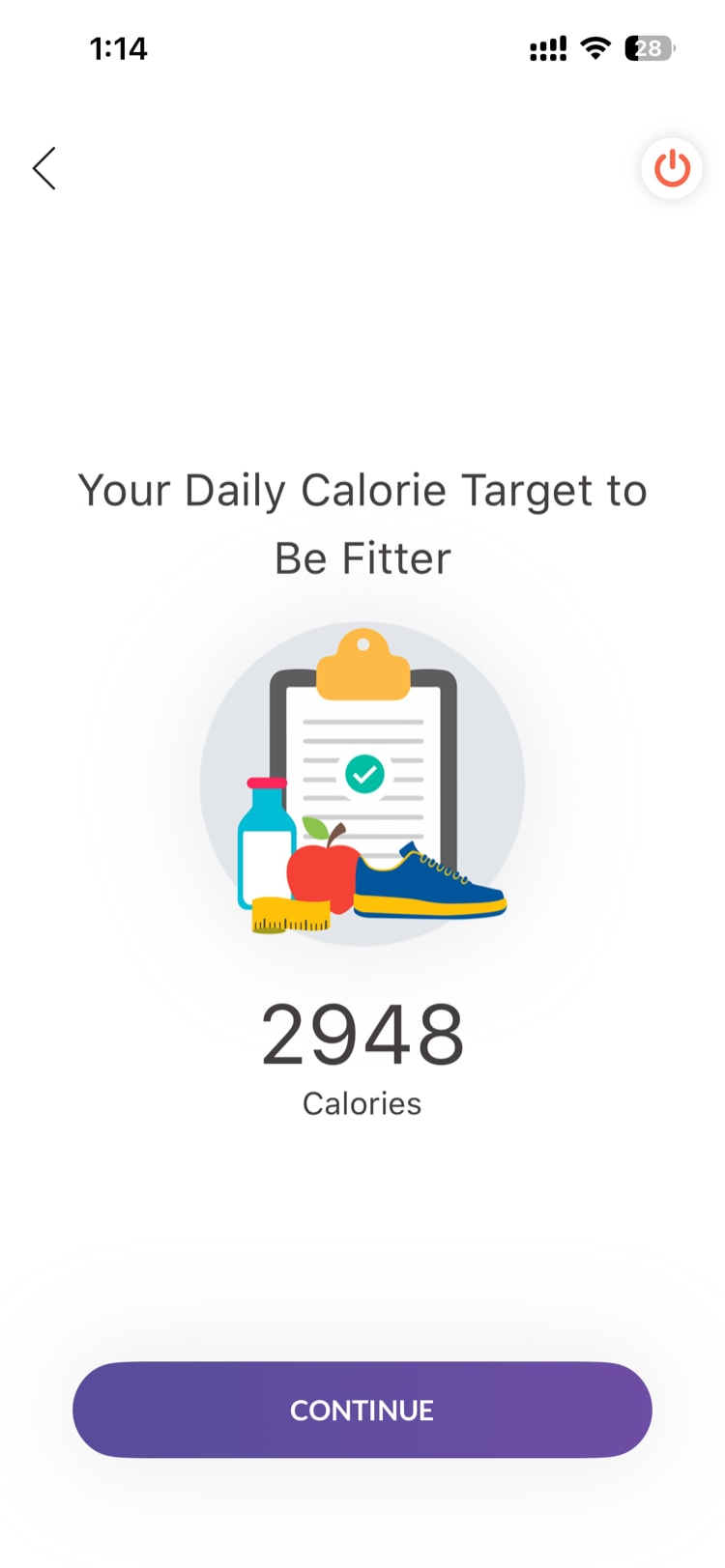
Your daily calorie target is the recommended number of calories for you to consume each day based on your personal profile. It takes into account your age, height, weight, gender, and activity level, along with the fitness goal you selected (lose weight, maintain weight, or gain muscle).
Think of it as a daily guideline -- stay close to this number consistently, and you're on track toward your goal.
How Is It Set?
When you set up your health profile in Vantage Fit, the app uses your profile details to estimate how many calories your body needs each day. It then adjusts that estimate based on your fitness goal:
- Weight loss -- Your target is set below what your body burns, creating a gradual calorie deficit.
- Maintain weight -- Your target matches your estimated daily energy needs.
- Muscle gain -- Your target is set above what your body burns, providing extra fuel for building muscle.
You don't need to do any math -- the app handles the calculation automatically.
How to Update Your Targets
Your calorie target is tied to your health profile, so updating your profile updates your targets automatically.
- Go to Profile
- Tap Health Profile
- Update any of the following:
- Weight -- This has the biggest impact on your target
- Height -- If it was entered incorrectly
- Activity Level -- If your lifestyle has changed (e.g., you started exercising more)
- Fitness Goal -- If you want to switch from weight loss to maintenance, or vice versa
- Tap Save
Your calorie and macro targets will update immediately.
Tip: Update your weight in the app regularly. As your weight changes, your calorie needs change too -- keeping your profile current ensures your targets stay accurate.
What If My Target Seems Off?
If your calorie target looks unusually high or low, the most common cause is an incorrect profile entry. Double-check your weight, height, and activity level first.
Remember that calorie targets are estimates -- they're a solid starting point, but individual needs vary. Use your target as a guideline and pay attention to how your body responds over time.
Need more help? Contact your HR admin or reach out to support via the Help option in the app menu.
Related articles: