The first time you sign in, Vantage Fit may ask you to set up a health profile. This helps the app personalize your calorie targets, BMI calculations, and activity recommendations. The entire process is optional — you can skip it and come back later.
Two Onboarding Modes
Your employer chooses which onboarding mode to use. You'll see one of these:
Full Mode (Complete Health Profile)
Full Mode walks you through a series of screens to build your health profile. Here's each step:
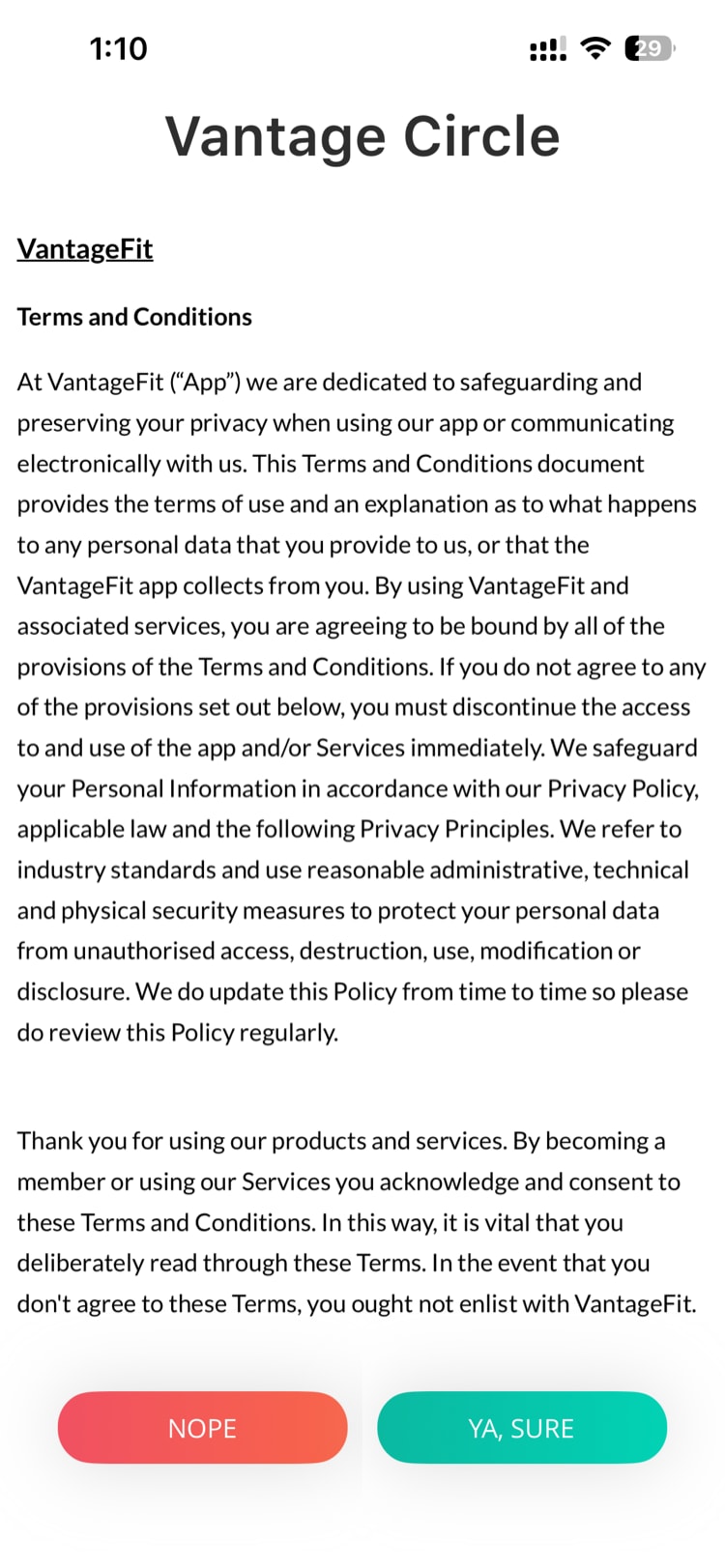
- Terms & Conditions — read and tap "Ya, Sure" to continue. Tapping "Nope" signs you out.
Health connection (required) — the app asks to connect to your phone's health platform. At least one connection must be enabled for Vantage Fit to receive your step data. The default depends on your device:
- iPhone → Apple Health
- Android → Google Fit for steps, plus Health Connect for supported Android health data
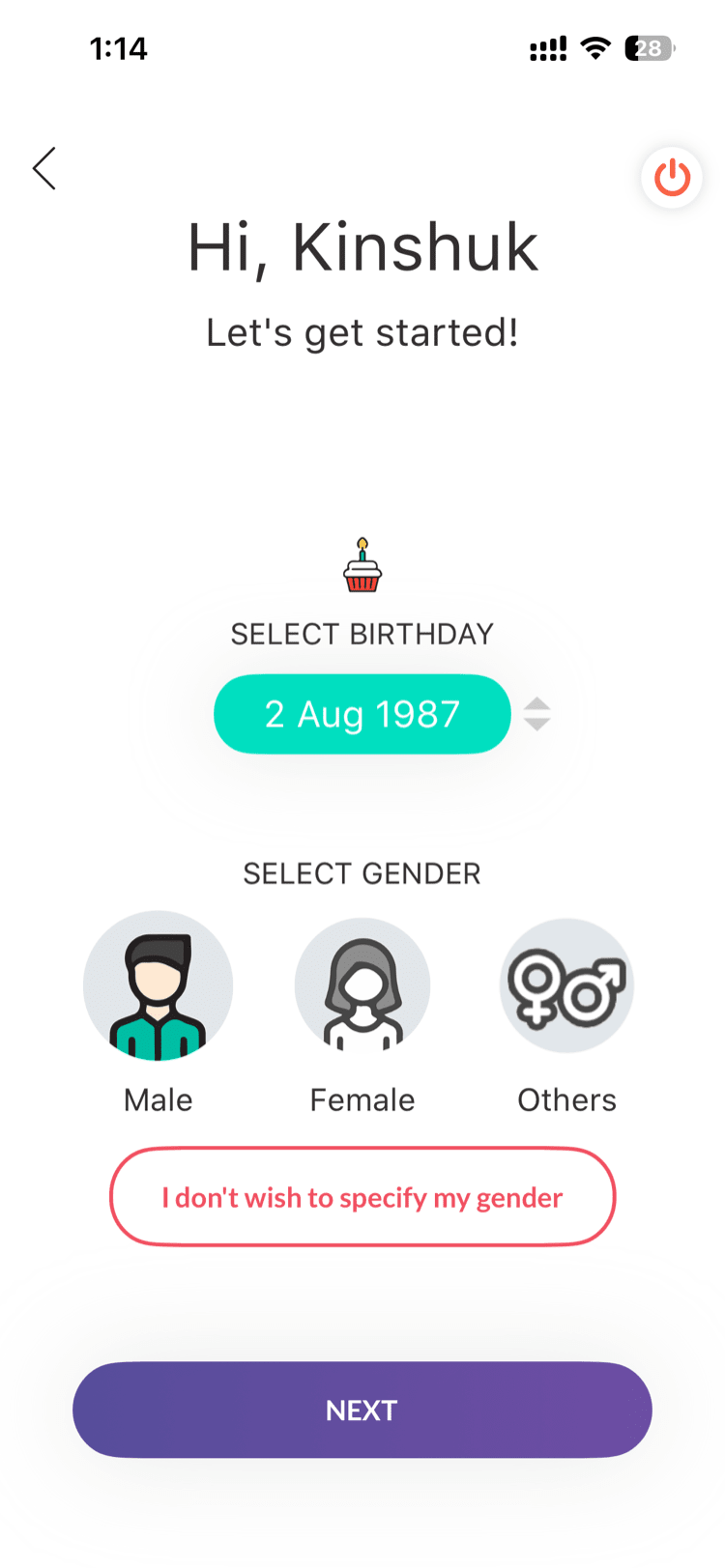
Date of Birth — enter your birth date. Used for age-based health calculations.
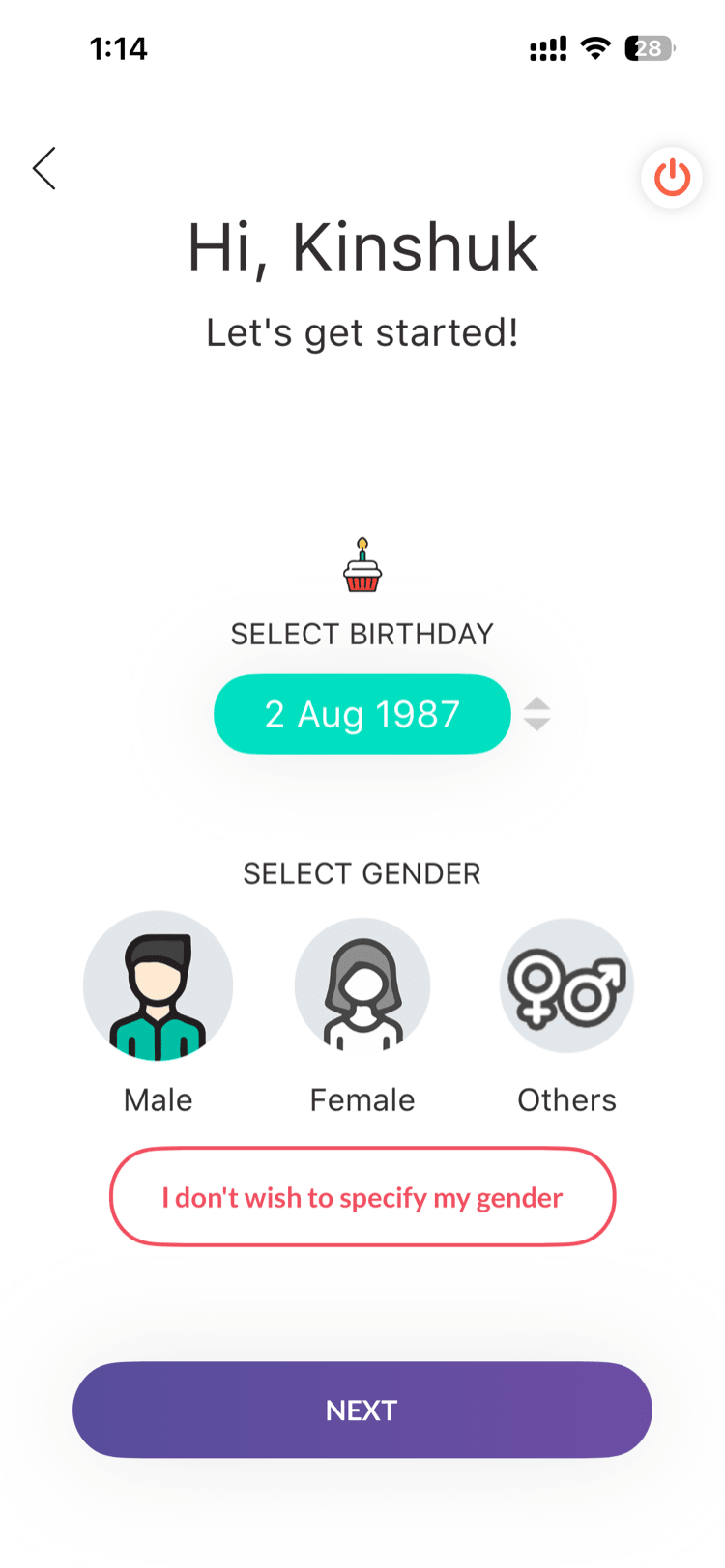
- Gender — select your gender. Used for BMI and calorie calculations.
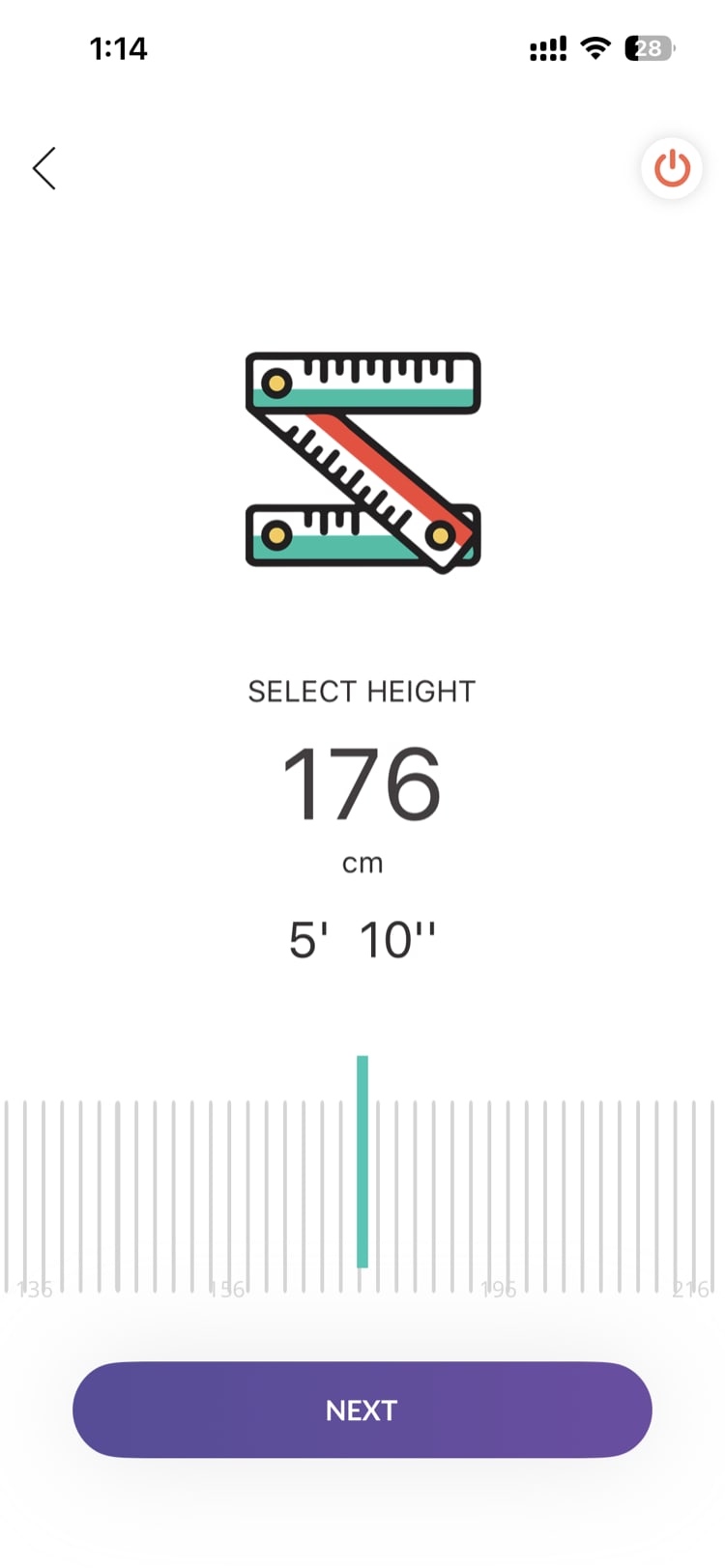
- Height — enter your height in centimeters (or feet and inches, depending on your unit settings). Used for BMI calculation.
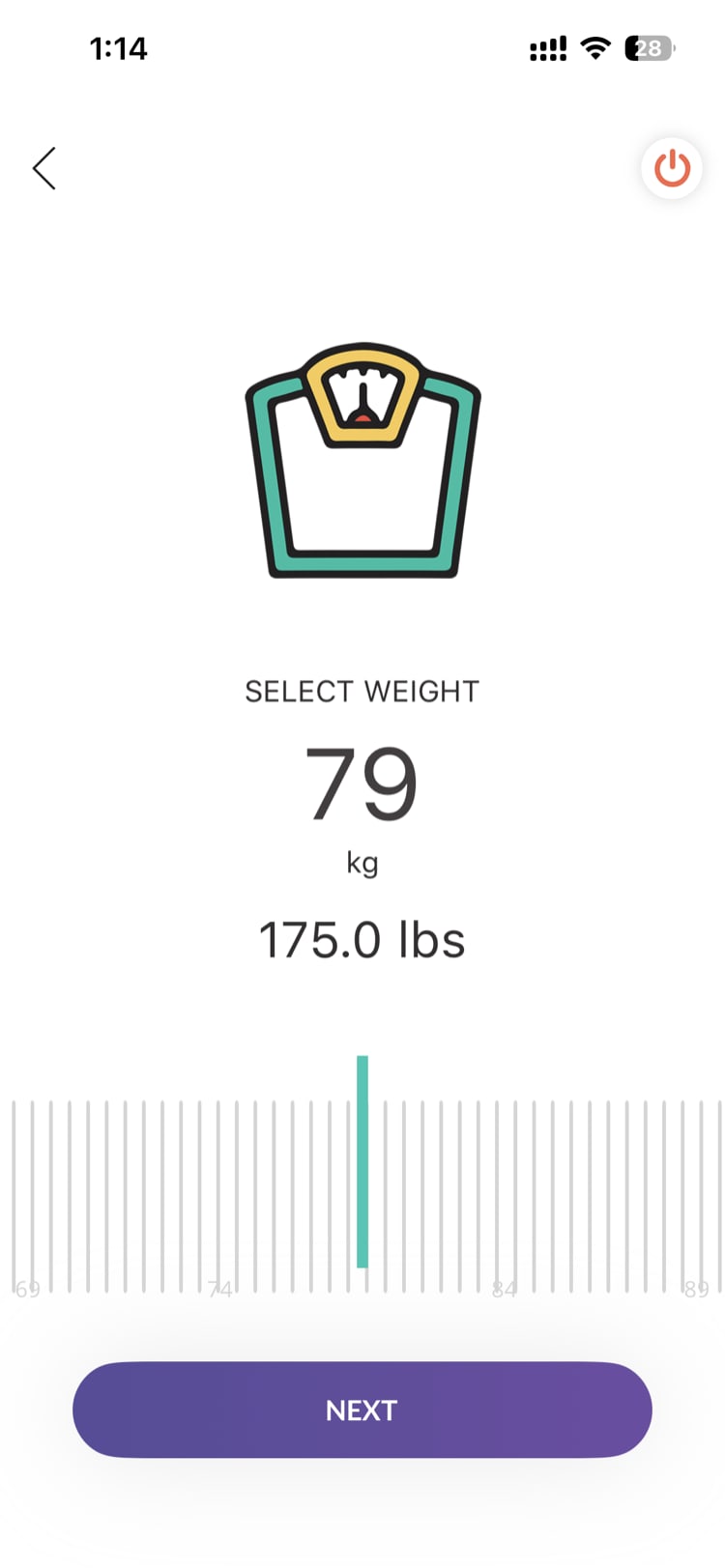
- Weight — enter your current weight in kilograms (or pounds/stones). Used for BMI and calorie calculations.
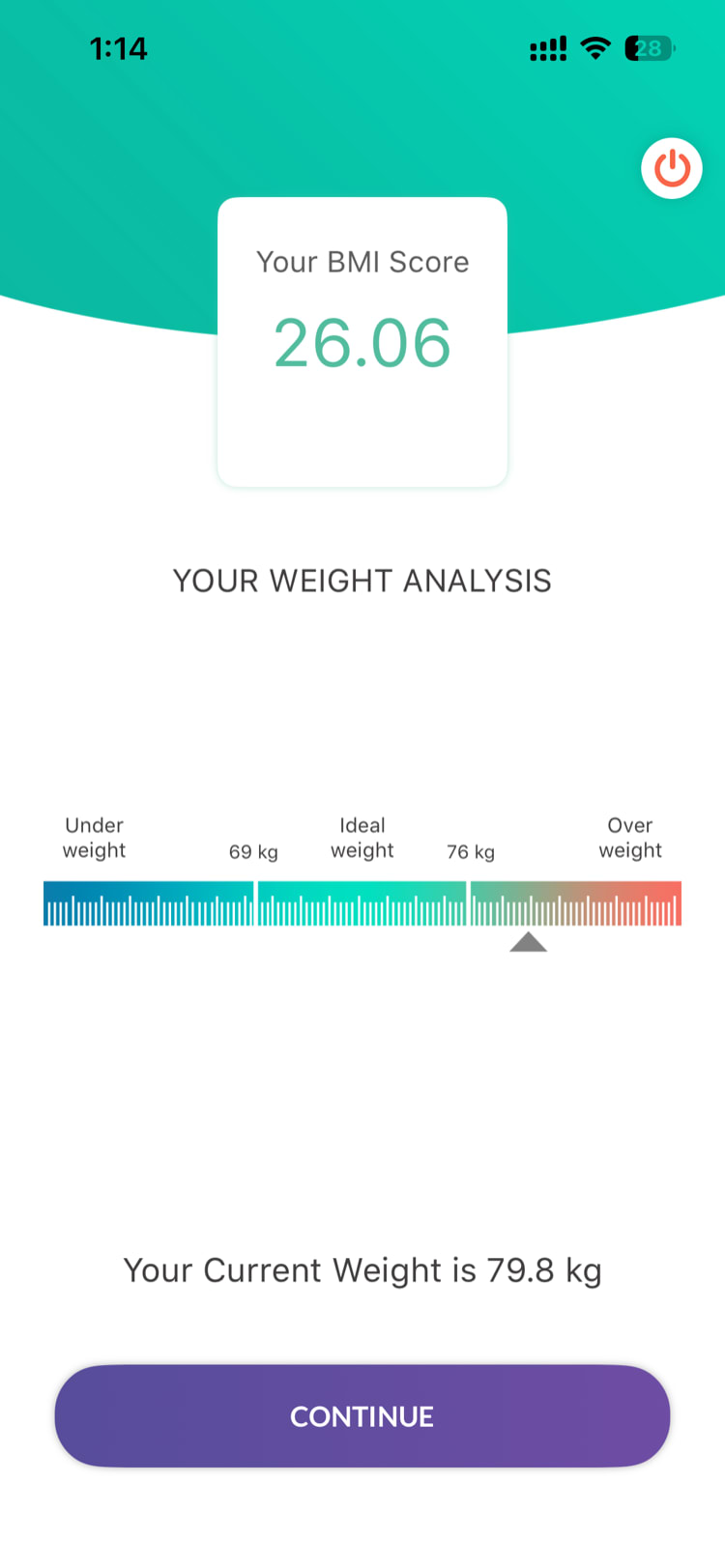
- BMI display — the app calculates and shows your Body Mass Index based on the height and weight you entered. This is informational only.
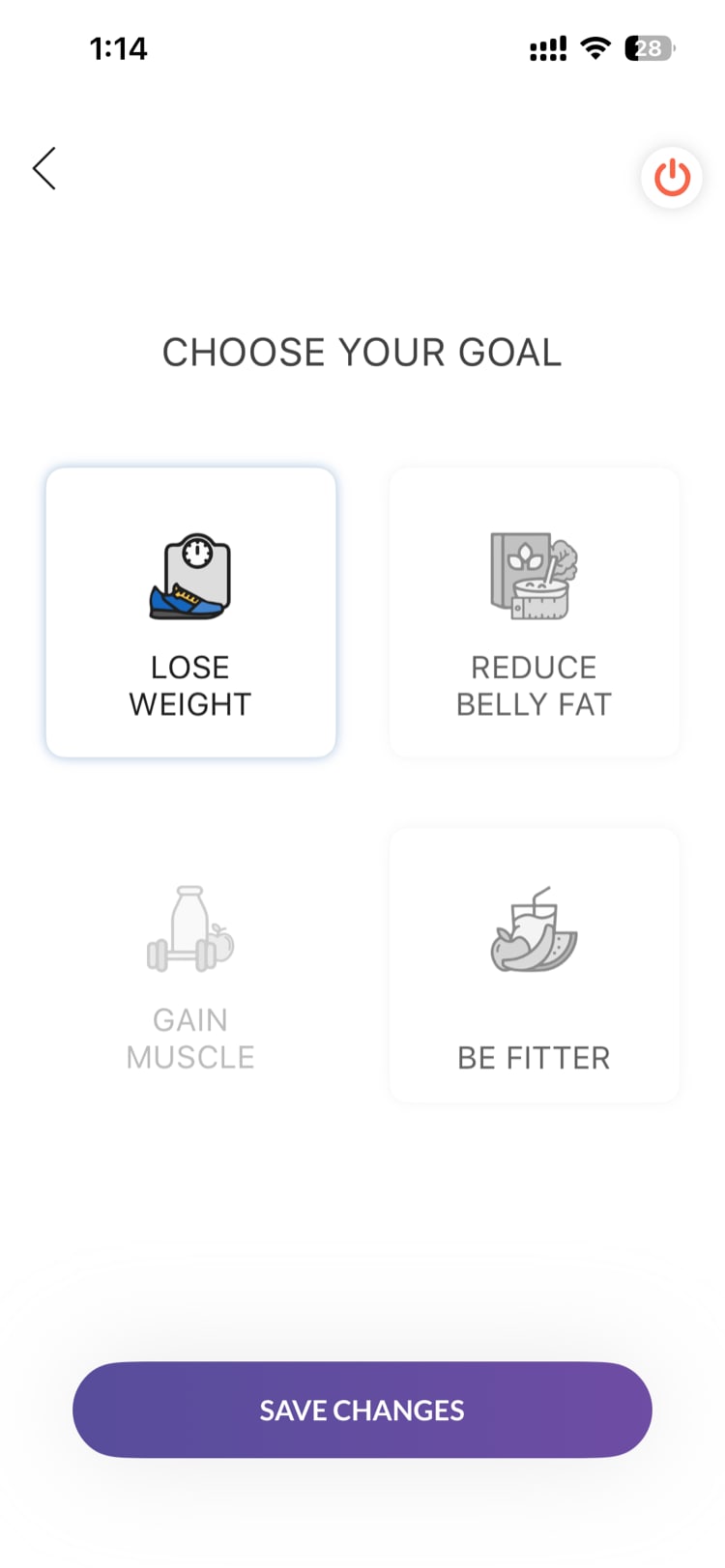
- Fitness Goal — choose one of 4 options that best describes what you want to achieve:
- Lose Weight
- Gain Muscle
- Reduce Belly Fat
- Be Fitter
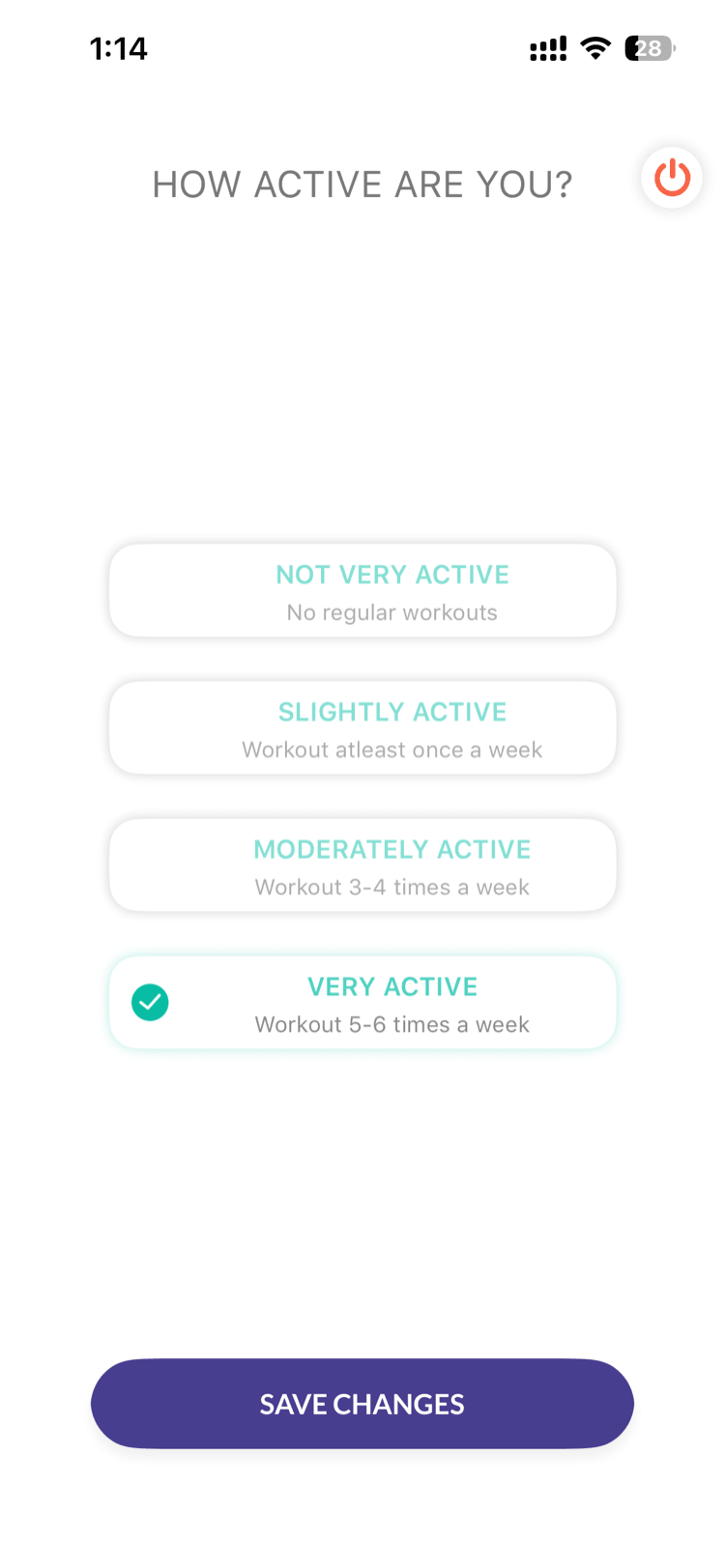
- Activity Level — choose one of 4 options that describes your current activity:
- Not Very Active (no regular workouts)
- Slightly Active (workout at least once a week)
- Moderately Active (workout 3-4 times a week)
- Very Active (workout 5-6 times a week)
Daily calorie target calculated — based on your profile, the app estimates how many calories you burn each day. This powers your daily calorie targets in the nutrition tracker.
Done — you're taken to summary page, fully personalized
Lite Mode (Simplified)
Lite Mode skips the health profile entirely. You'll see:
- Terms & Conditions — tap "Ya, Sure"
- Summary Page — that's it, you're in
Lite Mode is used by companies running step-only wellness programs where nutrition and health profile features aren't needed.
Can I Skip Onboarding?
Yes. During Full Mode onboarding, you can tap "Skip" at any point. The app asks for confirmation: "Skip Health Profile Setup?" — tap "Skip" to confirm and you'll go straight to summary page with default settings.
See Can I Skip the Onboarding Process? for details on what happens when you skip.
What If I Made a Mistake?
No problem. Everything you enter during onboarding can be changed later from Profile → Edit Health Profile. Updating any value automatically recalculates your BMI and calorie targets.
Need more help? Contact your HR admin or reach out to support via the Help option in the app menu.
Related articles: