OTP stands for One-Time Password. Instead of typing a password, Vantage Fit sends a 4-digit code to your registered email. Enter the code and you're signed in. No password to remember.
How OTP Sign-In Works
OTP is an alternative to password-based sign-in. When you choose OTP, the app sends a short numeric code to the email address associated with your Vantage Fit account. You enter that code, and you're signed in.
Note: OTP sign-in is only available if your company has enabled it. If you don't see the OTP option, your organization may use password-only or SSO sign-in.
How to Sign In with OTP
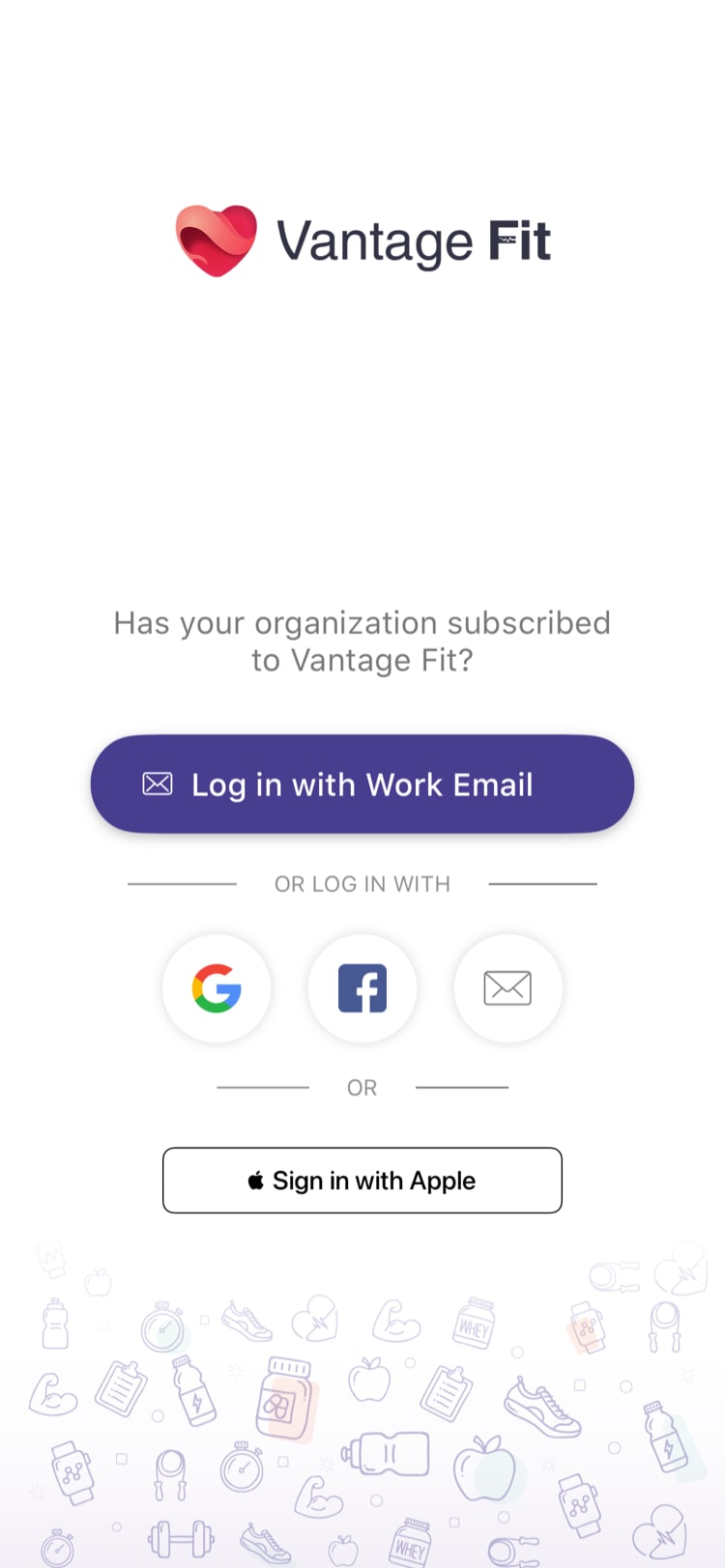
- Open Vantage Fit and tap "Login with Work Email"
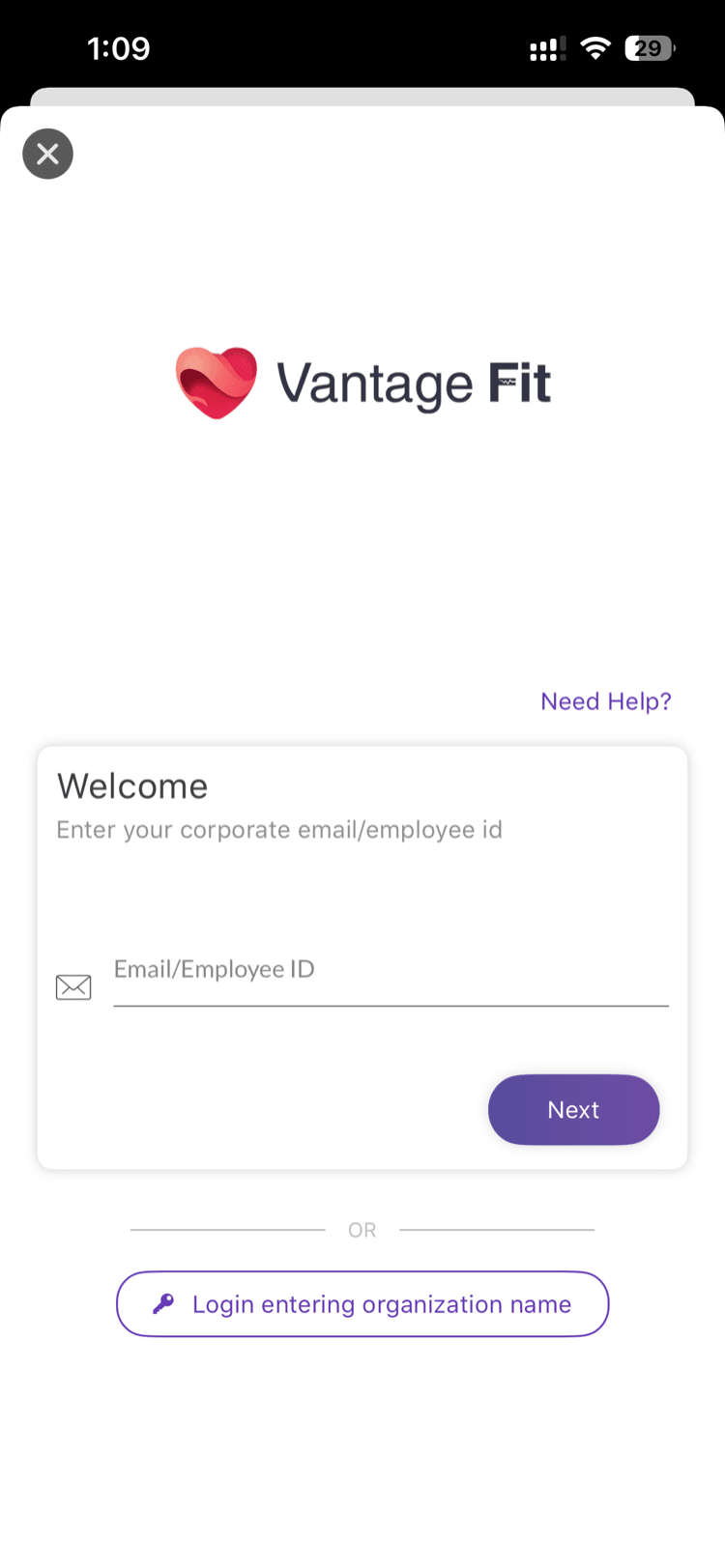
- Enter your work email and tap Next — the system detects your company and shows your sign-in options
- Tap "Login with OTP" — this option appears as an alternate sign-in method (if OTP is enabled for your company)
- Tap "Send OTP" — the code is not sent automatically. You need to tap the button to request it.
Check your email and enter the 4-digit code on the verification screen
You're signed in and taken to summary page
Note: If you already have an OTP (e.g., you requested one earlier), tap "I already have an OTP" to skip straight to the code entry screen.
OTP Details
| Detail | Value |
|---|---|
| Code length | 4 digits |
| Valid for | 10 minutes |
| Sent to | Your registered work email |
| Resend available after | 30 seconds |
Resending the Code
Didn't get your code? Wait 30 seconds, then tap "Resend".
- A new 4-digit code is sent to your email
- The previous code is immediately invalidated — only the latest code works
- You can resend multiple times, but each resend invalidates the prior code
Tip: Check your spam or junk folder if the OTP email doesn't appear in your inbox within a minute. The email comes from Vantage Fit (or VantageCircle).
When to Use OTP
OTP is great when:
- You've forgotten your password — no need to go through a full password reset, just use OTP
- You rarely sign in — easier than remembering a password you set months ago
- You prefer not to manage passwords — OTP means zero password maintenance for Vantage Fit
- You're signing in on a new device — quick and secure without needing your saved password
OTP vs. Password vs. SSO
| Method | How It Works | Best For |
|---|---|---|
| OTP | 4-digit code emailed to you each time | Convenience, no password to remember |
| Password | Traditional email + password | Users who prefer saved credentials |
| SSO | Redirects to your company's login system | Companies with centralized identity management |
Your company decides which methods are available. You may have one, two, or all three options.
Need more help? If your OTP isn't arriving, see I'm Not Receiving My OTP Email.
Related articles: