You can update your health profile at any time — whether you completed it during onboarding, partially filled it in, or skipped it entirely. All fields are editable, and changes take effect immediately.
How to Edit Your Health Profile
Open Vantage Fit and navigate to your Profile screen
Tap "Edit Health Profile"
The health profile flow opens — this is the same set of screens you saw during onboarding. You can update any or all of the following:
- Date of Birth
- Gender
- Height (in cm or ft/in, depending on your unit settings)
- Weight (in kg, lbs, or stones)
- Fitness Goal — Lose Weight, Gain Muscle, Reduce Belly Fat, or Be Fitter
- Activity Level — Not Very Active, Slightly Active, Moderately Active, or Very Active
Save your changes — the app immediately recalculates your BMI and daily calorie target based on the updated values
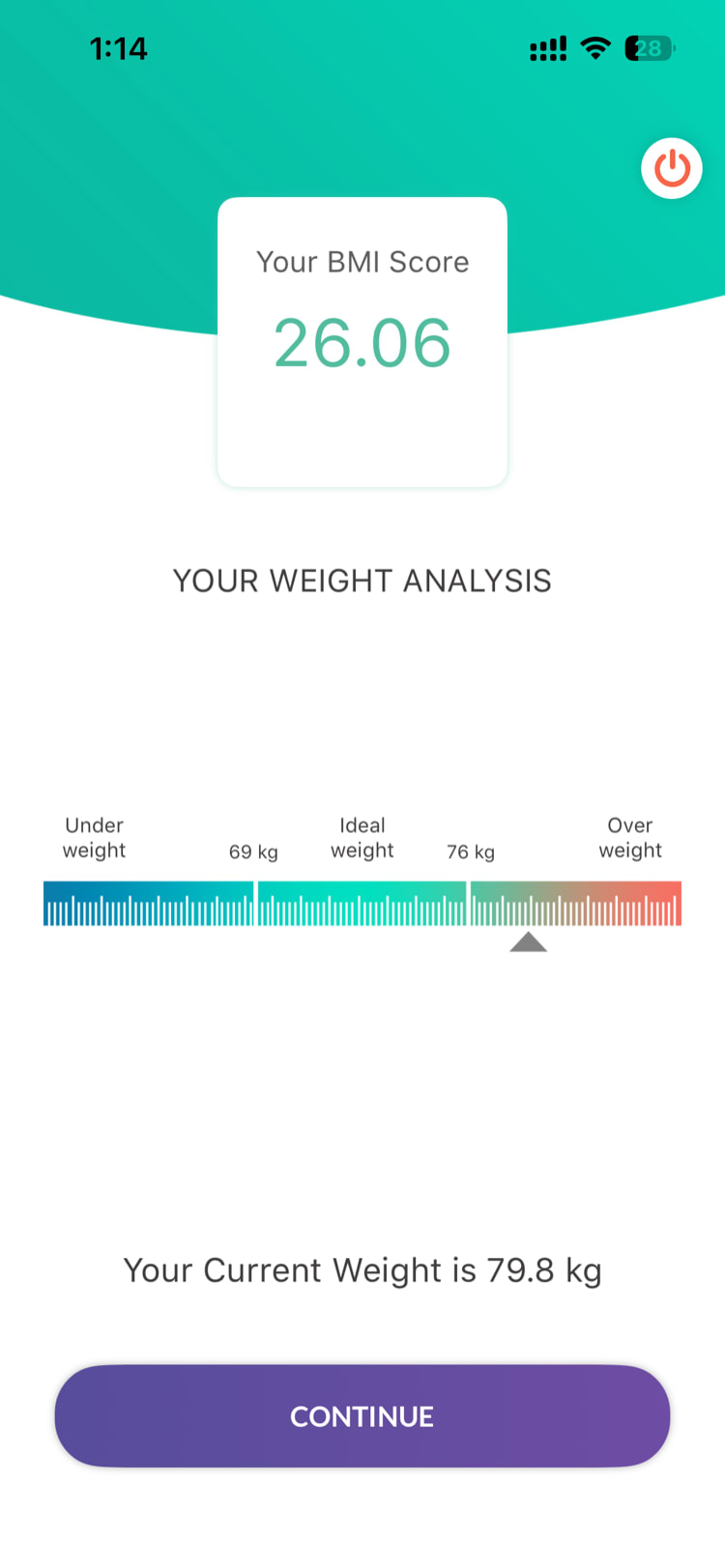
What Gets Recalculated
When you update your health profile, the following are automatically recalculated:
| Metric | What Changes |
|---|---|
| BMI | Recalculated from your current height and weight |
| Daily calorie target | Updated based on your weight, height, age, gender, fitness goal, and activity level |
| Nutrition recommendations | Adjusted to match your new calorie target |
These changes apply immediately — summary page and nutrition tracker reflect the updated values right away.
When Should You Update?
Consider updating your health profile when:
- Your weight has changed — even a few kilograms can shift your calorie targets
- Your activity level has changed — started exercising more (or less) regularly
- Your fitness goal has changed — switched from "Lose Weight" to "Be Fitter," for example
- You skipped onboarding and now want to set up your profile for personalized tracking
Tip: There's no limit to how often you can edit your profile. Update it whenever your circumstances change to keep your calorie targets accurate.
Need more help? Contact your HR admin or reach out to support via the Help option in the app menu.
Related articles: