If you've forgotten your Vantage Fit password, you can reset it from the sign-in screen. A reset link is sent to your registered email, and you can set a new password in minutes.
How to Reset Your Password
Open Vantage Fit and tap "Login with Work Email"
Enter your work email and tap Next — the app shows the password sign-in screen
Tap "Forgot Password?" — this link appears below the password field
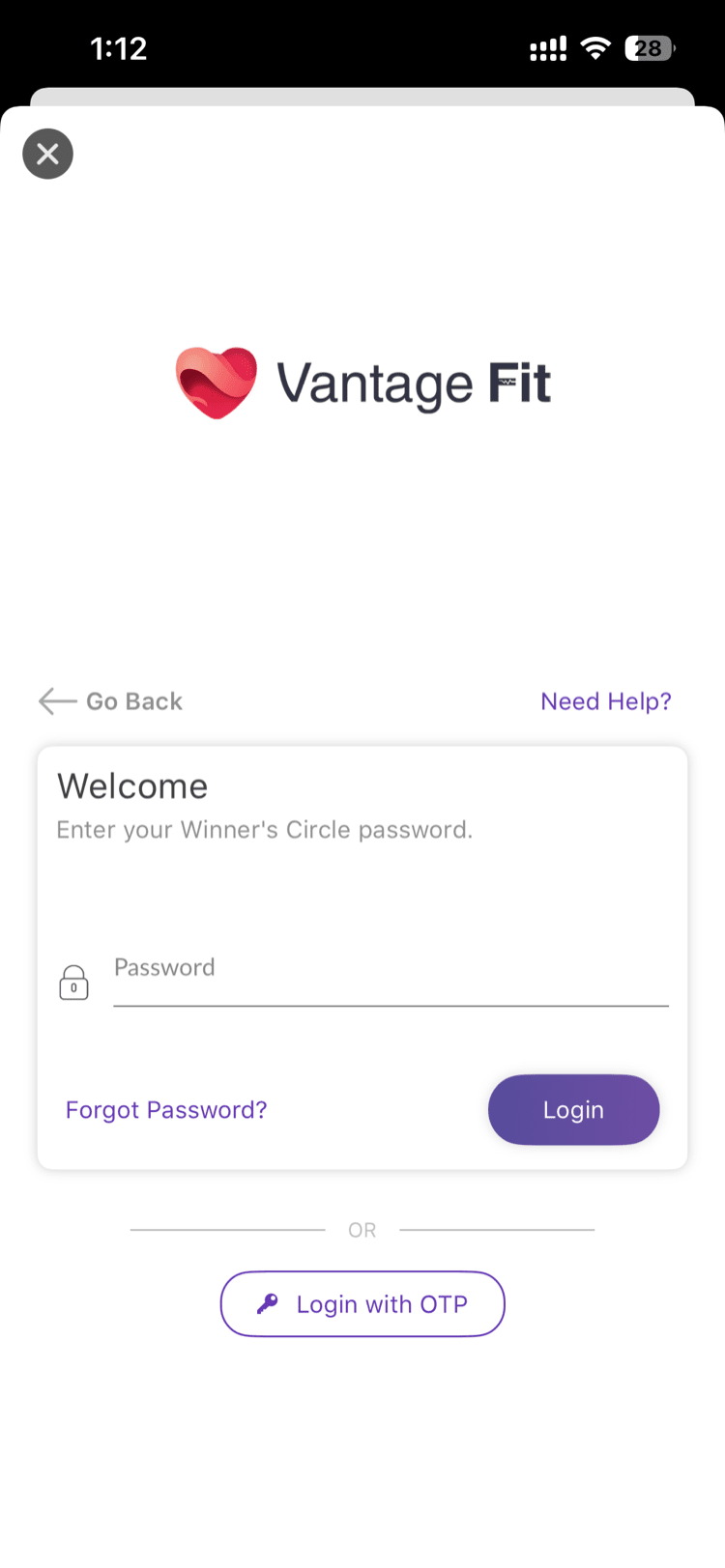
- Choose how to proceed — the app shows an action sheet with options:
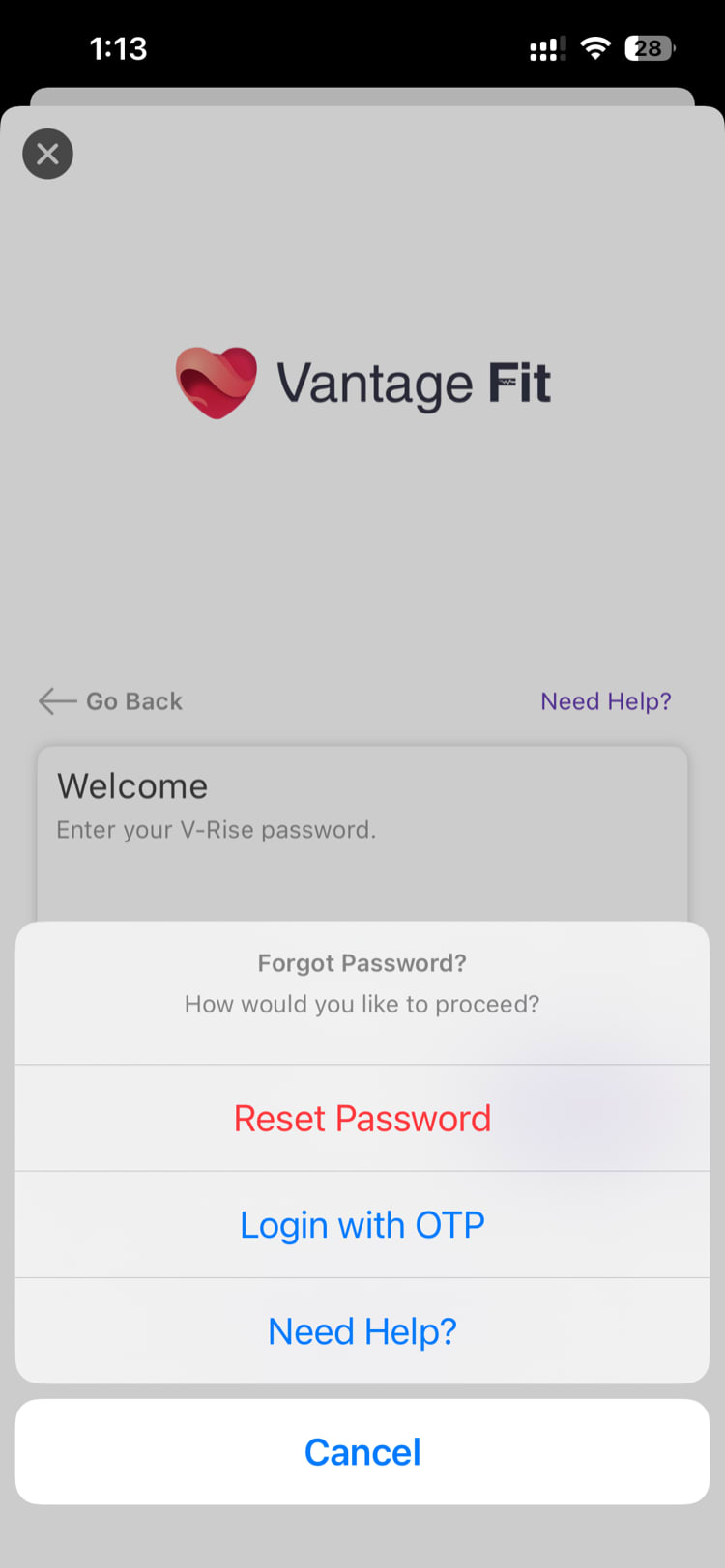
- Reset Password → continues the password reset flow (see step 5)
- Login with OTP → skips the reset entirely and signs you in with a one-time code (see What is OTP Sign-In?)
- Need Help → opens the support chat
- Cancel → goes back
- Check your email — a password reset link is sent to your registered email address. You'll see a confirmation: "Check your Inbox — We have sent a password reset link to your email address."
Tap the reset link in your email — it opens a page where you can set a new password
Enter your new password — minimum 8 characters, must be different from your current one
- Sign in with your new password
Reset Link Details
| Detail | Value |
|---|---|
| Valid for | 1 hour |
| Usage | Single-use (link expires after first click) |
| Sent to | Your registered work email |
Tip: If you don't see the reset email, check your spam or junk folder. The email comes from Vantage Fit (or VantageCircle). If you've requested multiple resets, only the most recent link is valid.
Account Lockout
If you enter the wrong password too many times, your account is locked for security. You'll see a screen saying "Account Locked — Your account is currently locked, Click below to unlock your account."
Tap "Unlock Account" — a password reset link is sent to your email. Use it to set a new password and regain access.
Need more help? If you're locked out and not receiving the reset email, contact your HR admin or reach out to support via the Help option in the app menu.
Related articles: